



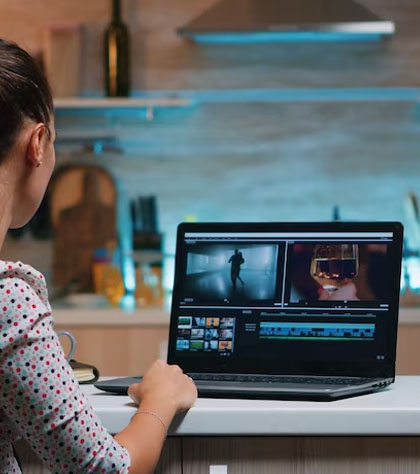
Master the art of video editing through our One-on-One Online Course, built for individuals who want to learn at their own pace with personalized attention from industry professionals. Whether you're a beginner or looking to refine your skills, this course adapts to your needs, your schedule, and your goals.
| Features | One-Month Course | Two-Month Course |
|---|---|---|
| Duration | 30 Days | 60 Days |
| Total Hours | 30 Hours (1 hour/day) | 60 Hours (1 hour/day) |
| Projects | 6 Projects | 12 Projects |
| Modules Covered | Module 1 – Editing Foundations | Module 1 + Module 2 – Advanced Tools |
| Mode | Online via Google Meet | Online via Google Meet |
| Schedule | Monday to Friday | Monday to Friday |
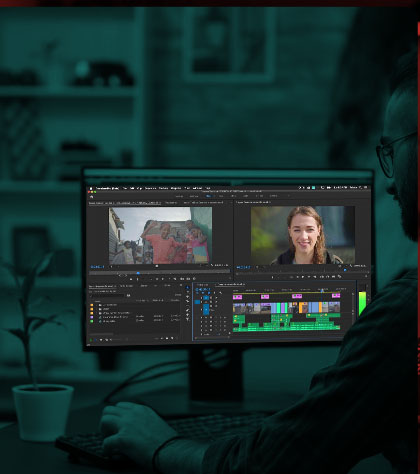
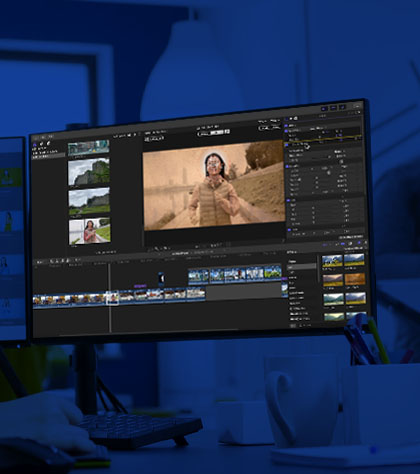
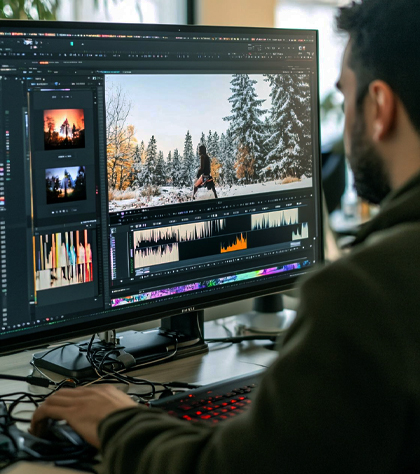
| Software Options | Final Cut Pro / Premiere / Resolve | Final Cut Pro / Premiere / Resolve |
| Certification | Yes – School of Editing | Yes – School of Editing |
| Course Materials Provided | Yes | Yes |
| Placement Assistance | Not Included | Included |
Included in both One-Month and Two-Month Courses
Included only in the Two-Month Course
Choose to specialize in any one of the following professional platforms:
Our One-on-One Online Video Editing Course gives you more than just technical skills — it gives you creative confidence. With expert mentoring, flexible timing, and real-world projects, you'll be ready to take on editing work professionally or bring your own stories to life.


We love our students, so feel free to visit during
normal business hours

School Of Editing
SRM Cross Road, Behind Kerala Bank ,
Pachalam PO
Ernakulam, Kerala, India 682012
 +91 9072726872
info@schoolofediting.com