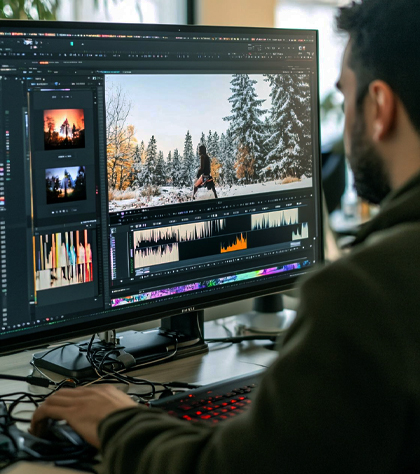
One-Month Professional Video Editing Course
One-Month Professional Video Editing Course (For YouTube & Social Media Content Creators)

Course Duration : 1 Month (Full-Time / Part-Time options available)

Course Overview

This one-month intensive program is designed for beginners, YouTube creators, and social media content producers who want to start their journey in professional video editing. It is also ideal for those currently editing on mobile who wish to transition to computer-based editing.

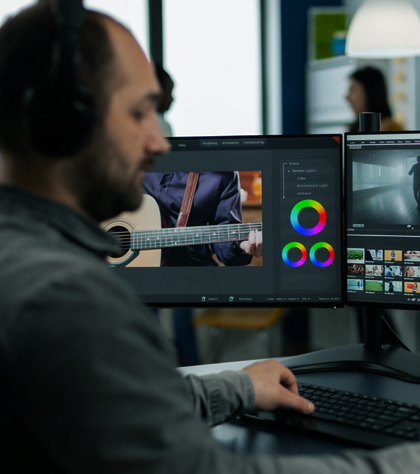
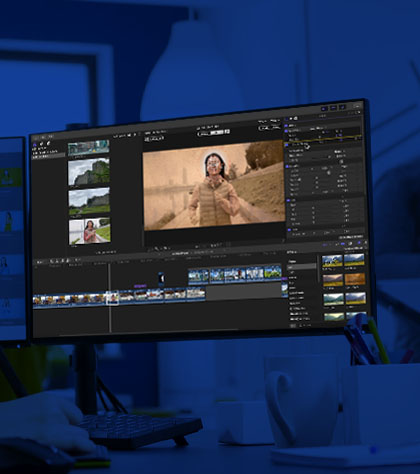
Students can choose one industry-standard editing software for training — Final Cut Pro, Adobe Premiere Pro, or DaVinci Resolve — and will learn essential techniques to create professional-quality videos for online platforms.

The key benefit of this course is that upon successful completion, you will receive a Government-approved certificate from WHRDE. Editors who already have editing knowledge but want an officially recognized professional certificate can also enroll.

This course covers 6 core modules from our comprehensive 2-month curriculum (which includes 12 modules in total), focusing only on the foundational skills required to enter the field of video editing.
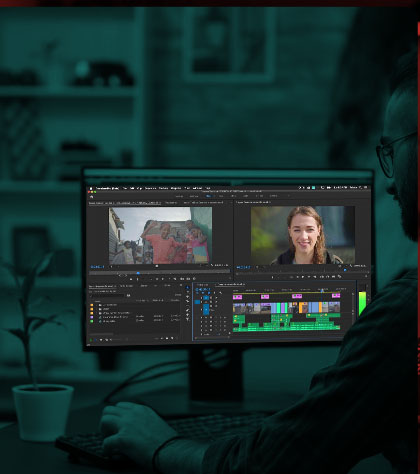
Software Options (Choose Any One)
  • Final Cut Pro
  • Adobe Premiere Pro
  • DaVinci Resolve
Eligibility
  • SSLC / 10th Pass
  • Basic computer knowledge required
Who Can Join
  • Beginners with no prior editing experience
  • Mobile video editors looking to move to computer-based editing
  • Content creators wanting to improve their video production quality
  • Editors seeking a Government-approved professional certificate
Modules Covered (6 out of 12 in the 2-Month Course)
Editing Fundamentals
  • Basic editing: cut, trim, and arrange footage
  • Chroma key (green screen) removal
  • Multicam editing basics
  • Adding effects and transitions
Color & Audio Basics
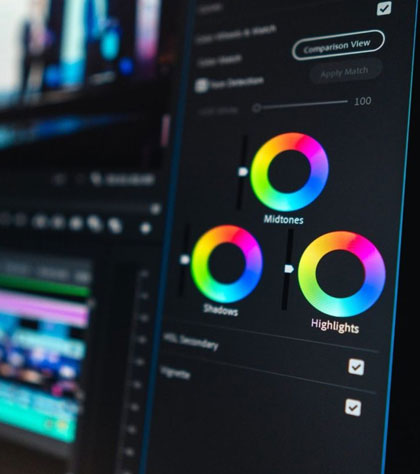
  • Introduction to color correction and grading
  • Basic audio editing and sound design
Platform Preparation
  • Exporting and optimizing videos for YouTube and social media
Teaching Method
  • Hands-on training with real-world projects
  • Practical exercises tailored to YouTube and social media content
  • Instructor guidance and individual feedback
Important Note
  • Placement assistance is not provided for this course
  • This program focuses on basic-level training only; advanced techniques are part of longer-duration courses
Career Benefits
  • Gain the skills to start editing your own videos professionally
  • Transition smoothly from mobile to computer-based editing
  • Build confidence in using industry-standard software
  • Earn a Government-approved WHRDE certificate to strengthen your professional profile